

How to set parental controls on ITVX
You will need access to the ITVX app.
How to create a child’s account
In order to set up parental controls on ITVX, you must first create a profile for your child.
To set up a child account on ITVX:
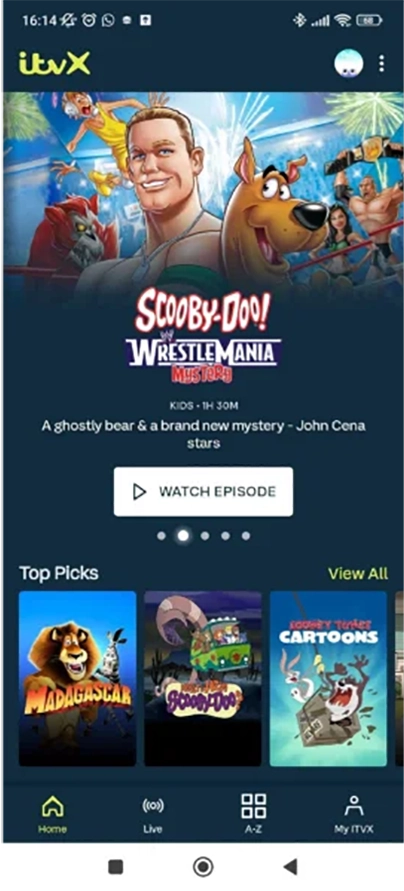
Step 1 – On the home page go to the profile icon in the top right.

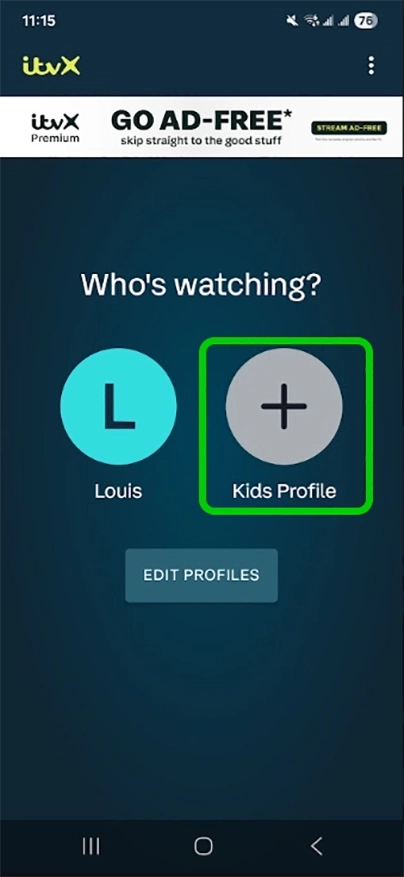
Step 2 – Click the plus sign (+) labelled Kids Profile.
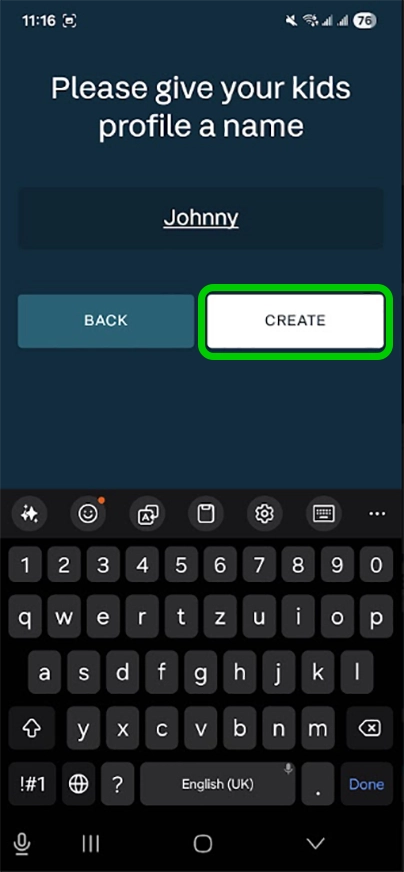
Step 3 – Input your child’s name and click CREATE.
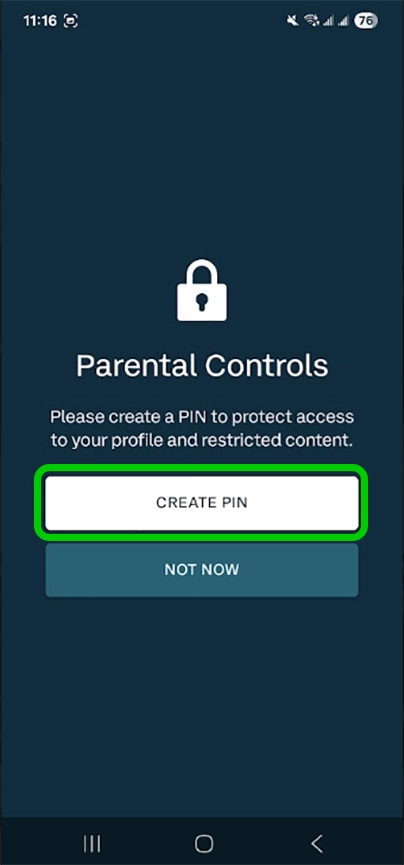
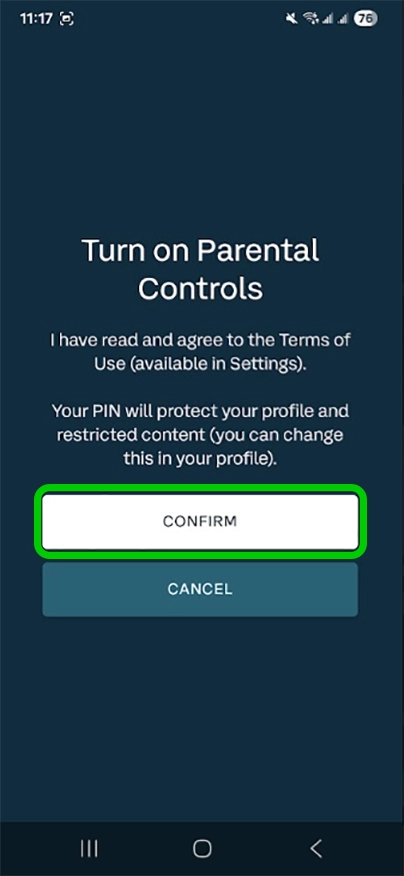
Step 4 – Select CREATE PIN when the parental controls prompt appears
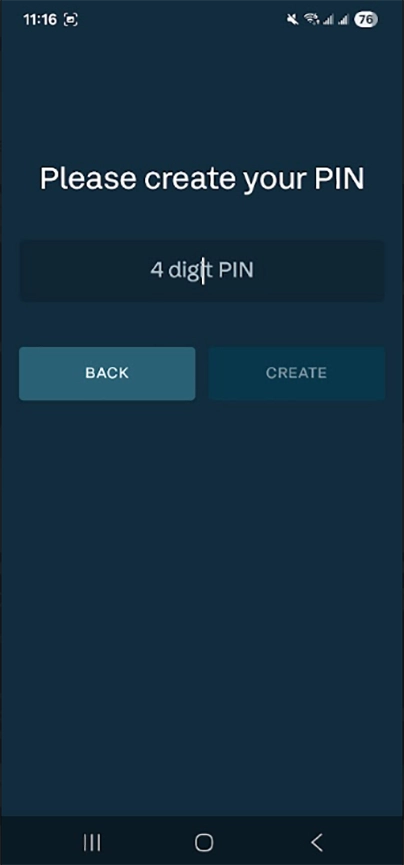
Step 5 – Input the 4 digit pin and click CREATE.
Step 6 – The platform asks you to confirm your PIN set up.
Your child will now have an ITVX profile, on which they can only watch content deemed suitable for children. However, children could still navigate onto your profile. To prevent them doing this, you must set up parental controls.
How to set parental controls on ITVX

View more guides
Discover more parental controls to manage children’s devices, apps and platforms for safer online experiences.