

Quick advice
Before setting up a new watch, you must download the Galaxy Wearable app and pair the watch to your phone. Once the watch is set up, you can set parental controls using Google Family Link.
Video guide
 Close video
How to set up Samsung Galaxy Watch for Kids
Setting up a new watch
Setting up a new watch
Before setting up a new watch, you must download the Galaxy Wearable app and pair the watch to your phone.
To set up a new watch:
Step 1 – Select Set up for a child and proceed with the software update.
Step 2 – After the software update, pair the watch to your phone by clicking Connect.
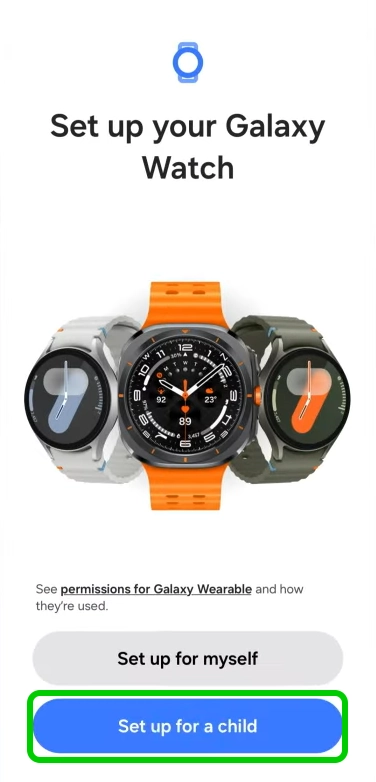
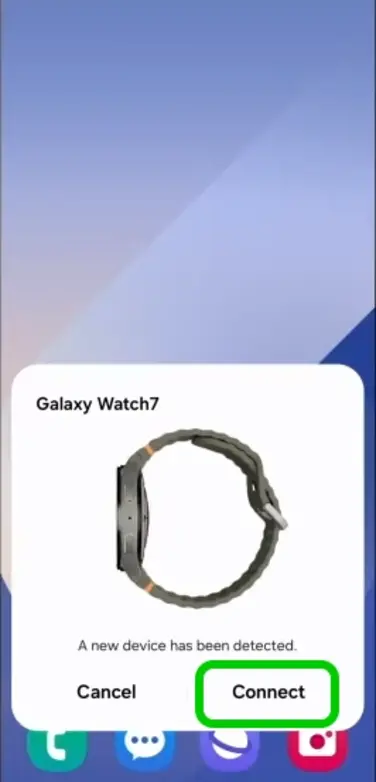
Step 3 – Once paired, link your Google account to the watch by selecting Let’s go and following the instructions.
Step 4 – Create a Google account for your child by selecting Let’s go and following the steps shown.
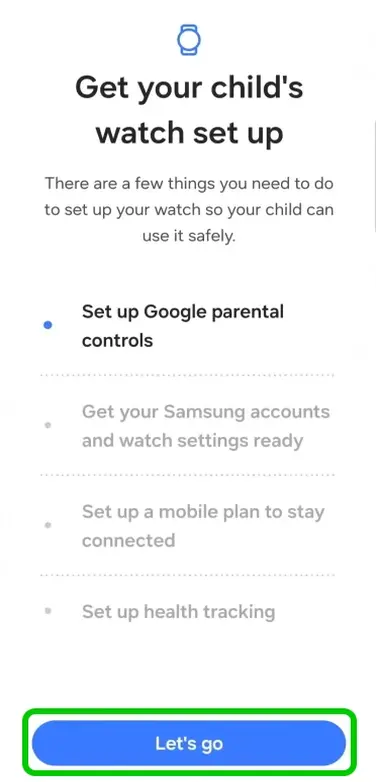

Step 5 – Install Google Family Link and complete parental control settings.
Step 6 – Create a Samsung account for your child.
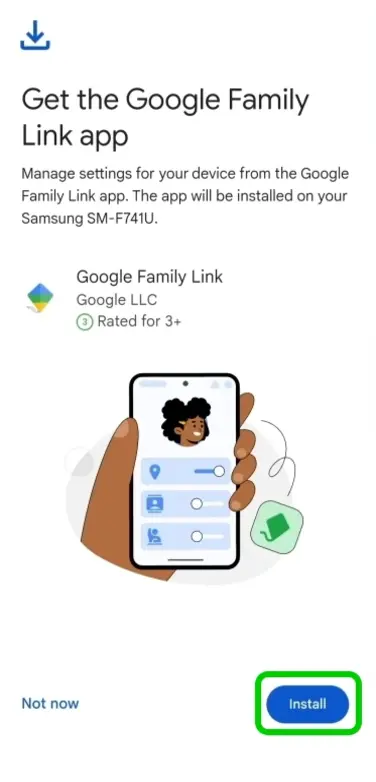
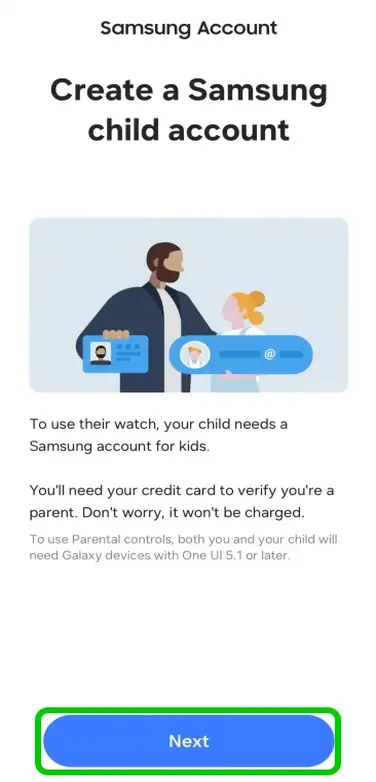
Step 7 – Follow the steps to create your child’s Samsung account.
Step 8 – Wait for the watch to finish setting up.
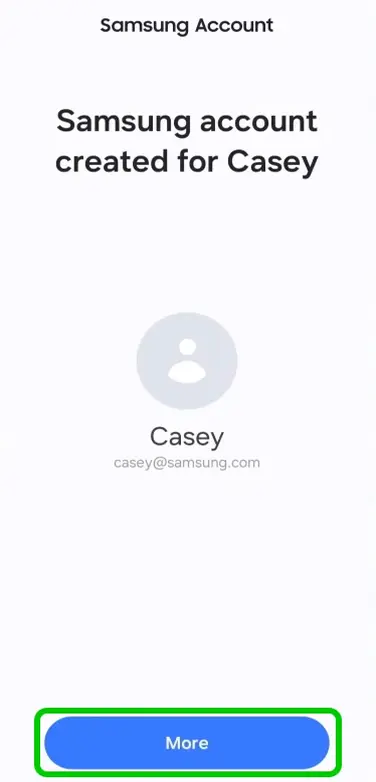
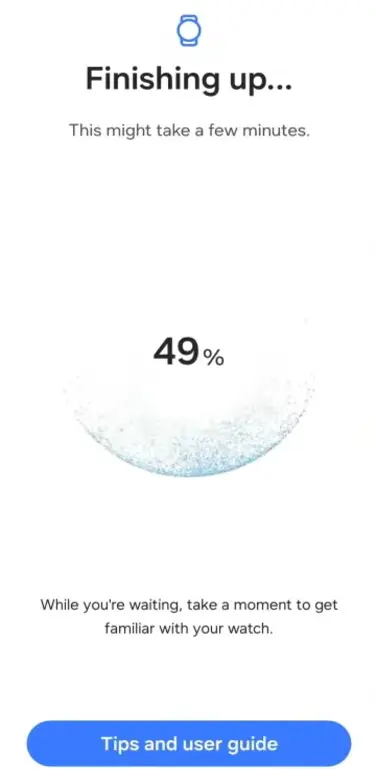
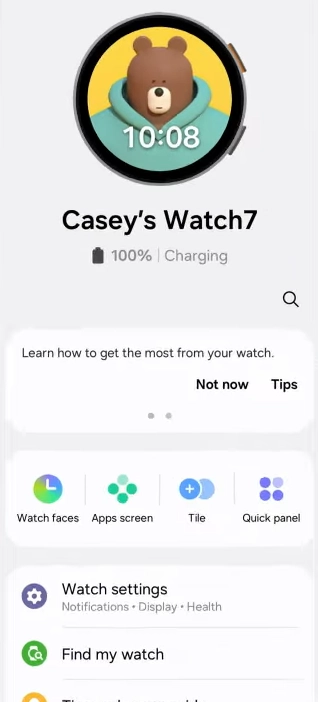
Your phone is now linked to your child’s watch, allowing you to view their activity and manage settings.
Setting up an existing watch
Setting up an existing watch
You can set up Galaxy Watch for Kids on an existing watch using the watch settings.
To set up on an existing watch:
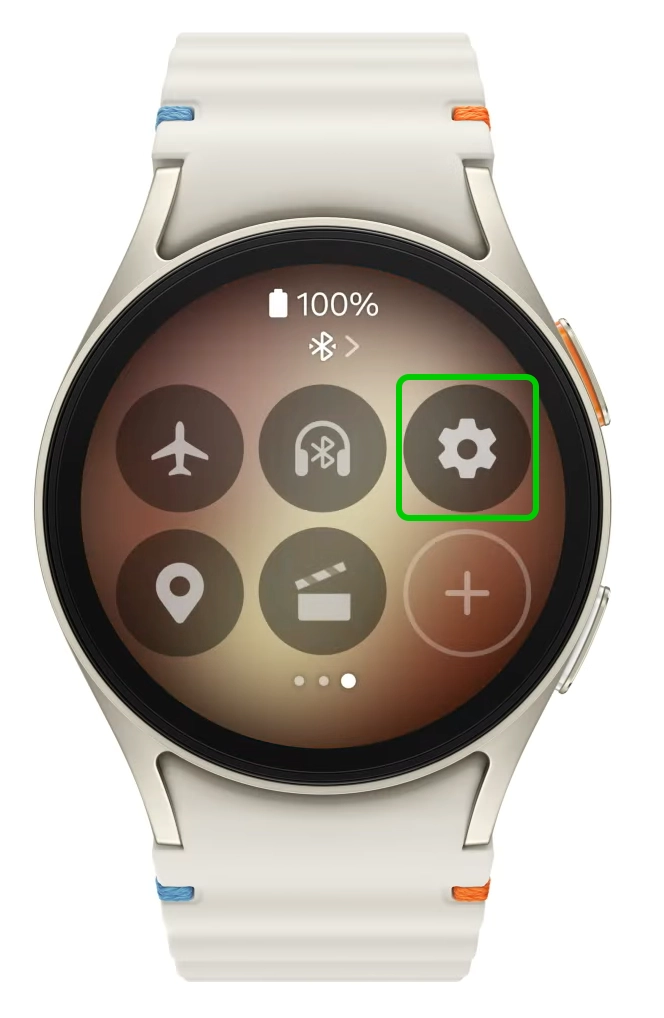
Step 1 – Pull down the quick panel and tap Settings.
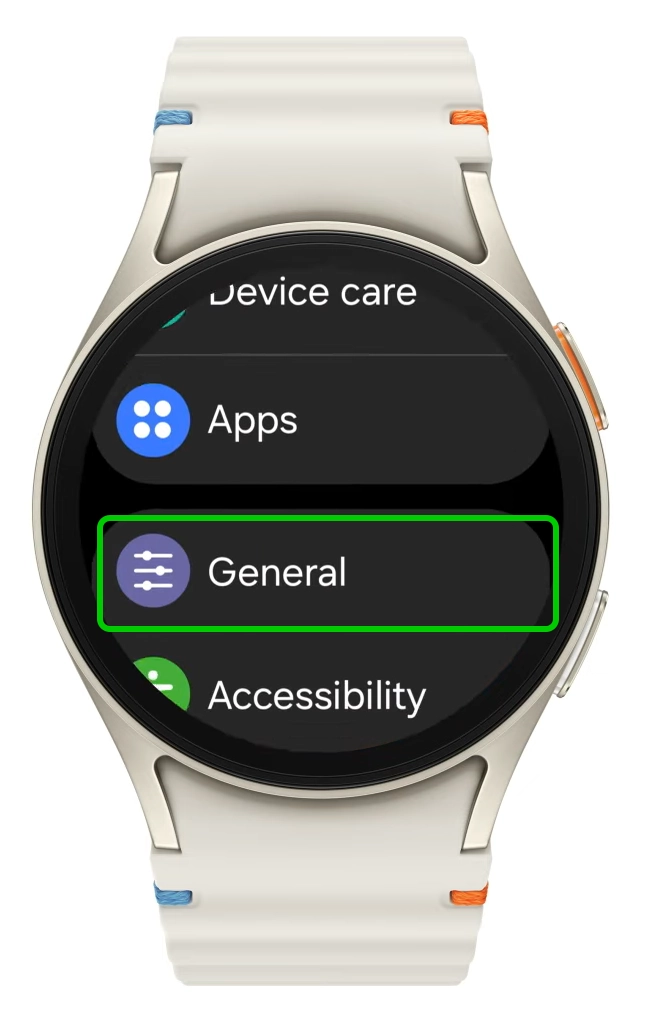
Step 2 – Scroll down and select General.
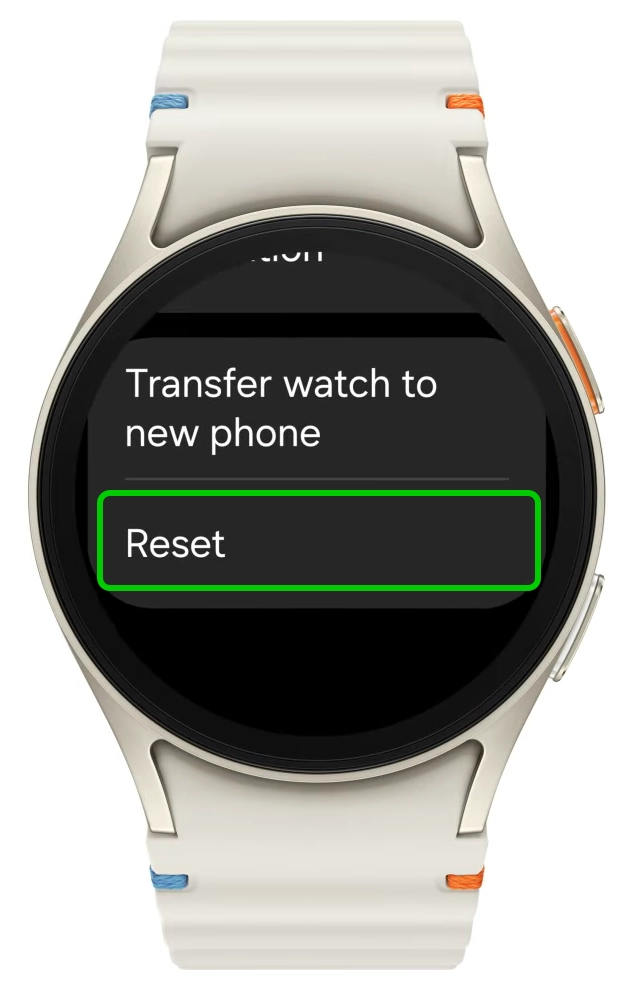
Step 3 – Scroll to the bottom and select Reset.
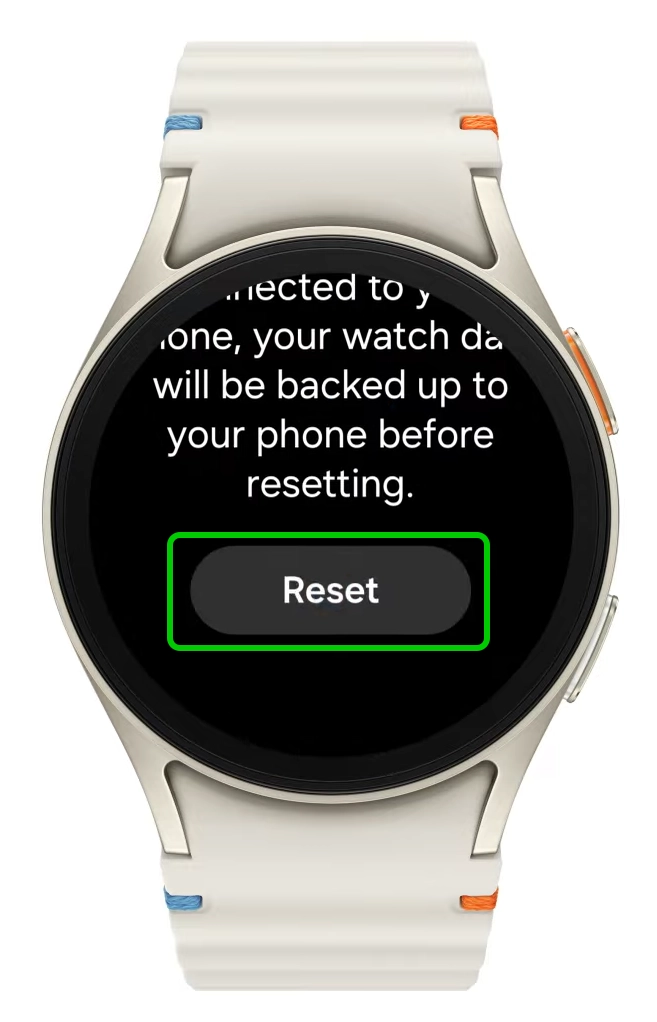
Step 4 – Tap Reset again.
Afterwards, follow the steps from the Setting up a new watch section of this guide to finish setting up the watch.